
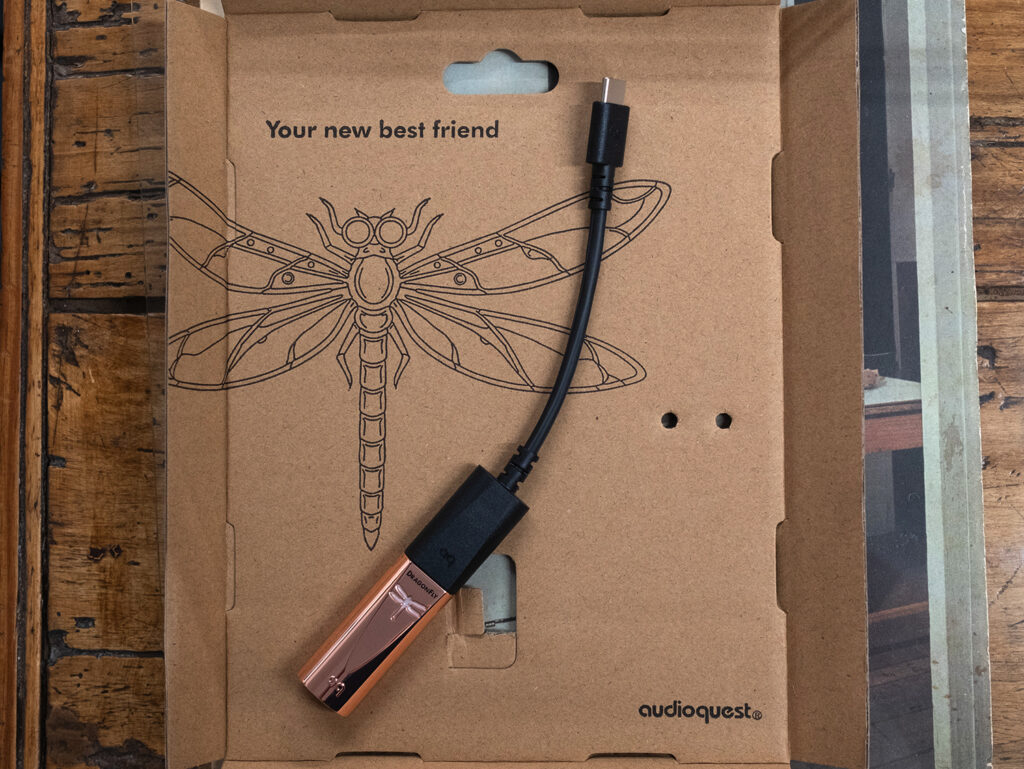
Seems to me the big question to answer about Copper is—Did AudioQuest build a better DragonFly?
By my accounting the answer is easy and in the affirmative—Yes. The DragonFly Copper is the company’s best USB DAC to date.

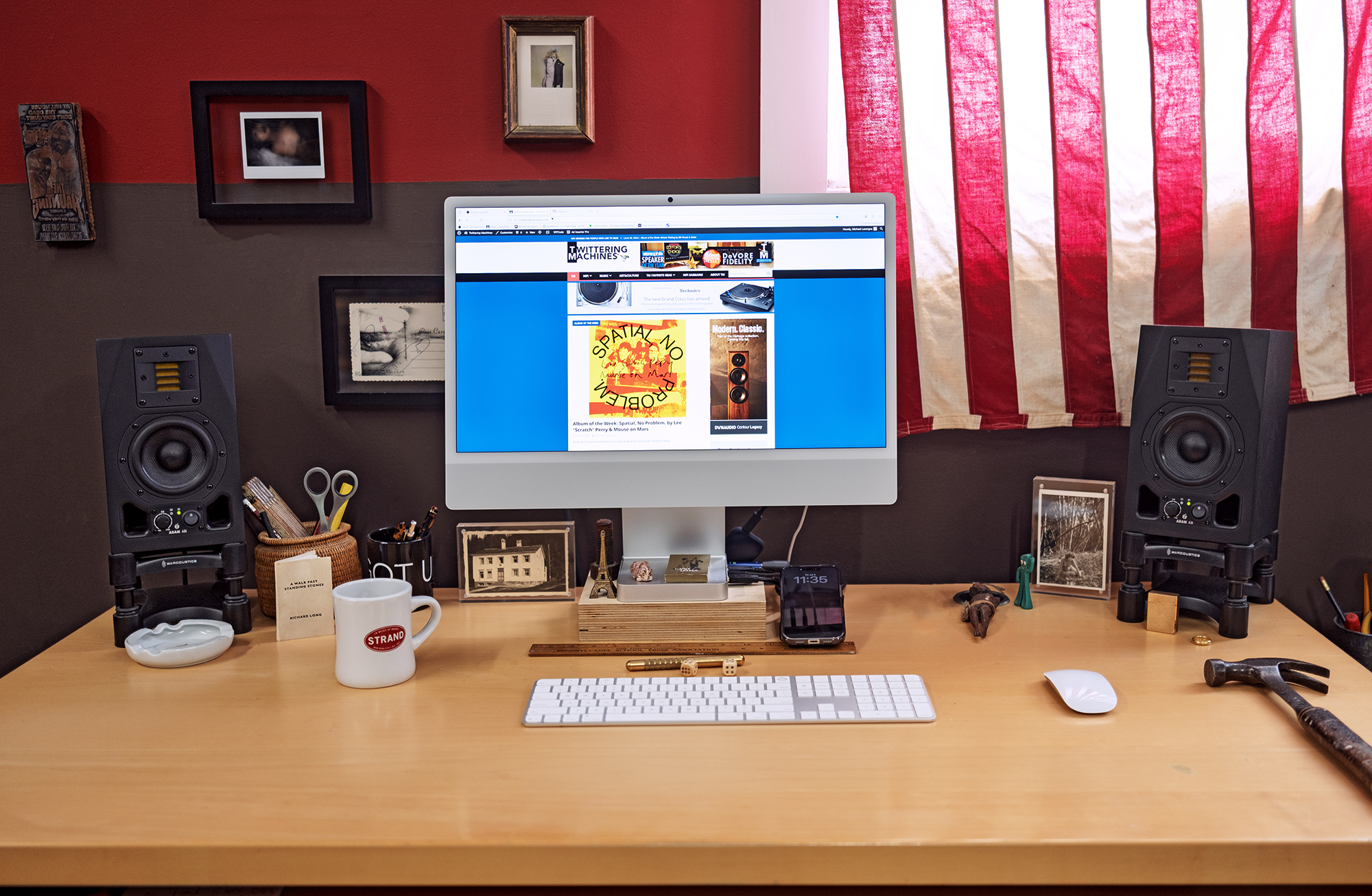
And I say this with no small amount of certainty seeing as I’ve been listening through the DragonFly Cobalt for about 7 years, shortly after it first arrived in 2019. The system context for my DragonFly listening is largely on my desktop where its USB end is plugged into my iMac while its analog output feeds the ADAM A3X powered speakers that have been exactly where they are now for 14 years.
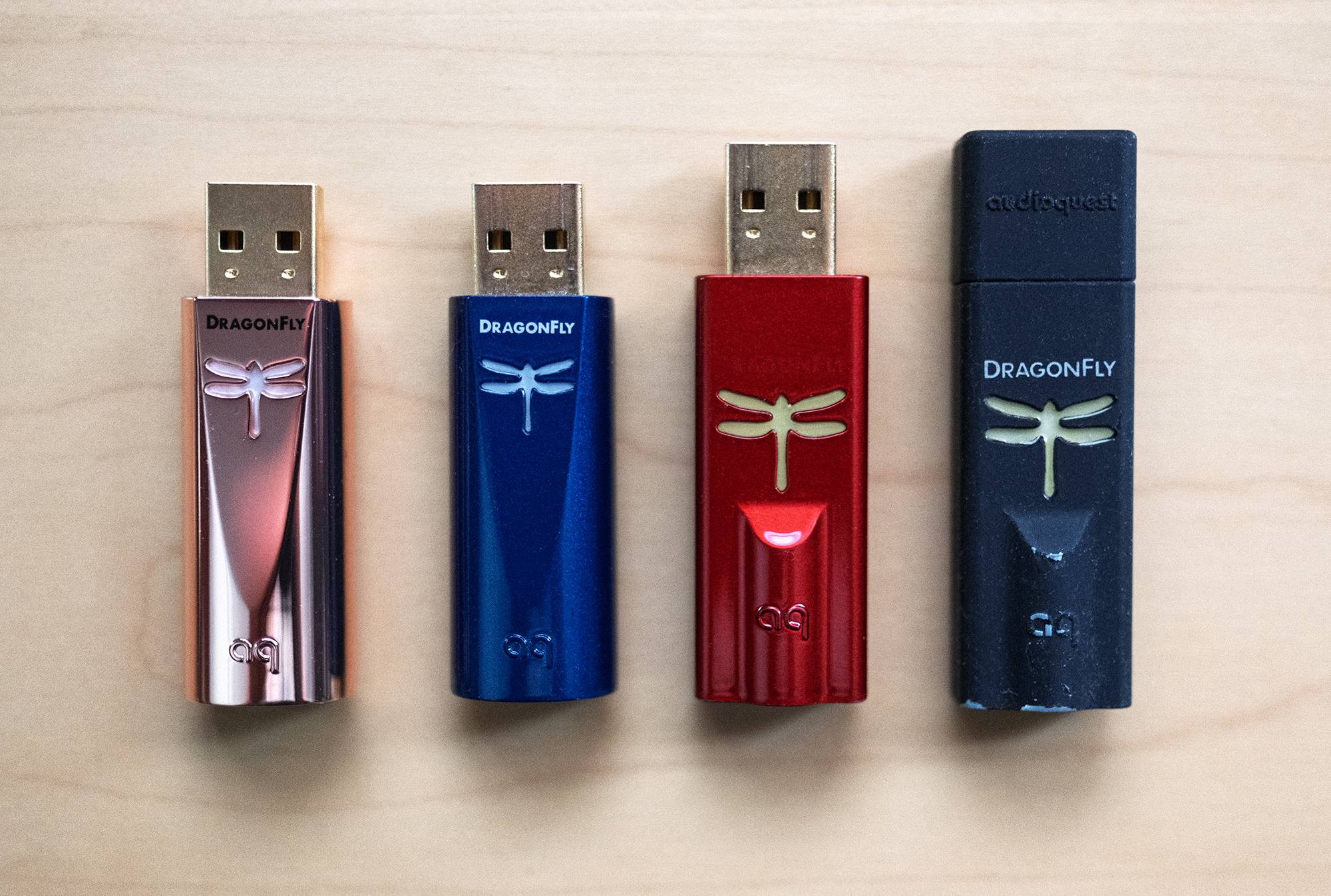
Before the DragonFly Cobalt, I ran with the DragonFly Red and before that its predecessor DragonFly Black. Of course other dongle DACs have come and gone over the years but the DragonFlys always stay, perched and playing music every day within arm’s reach on my desktop for a very intimate sonic picture painted with near headphone-like presence where music comes alive between my ears without the Barn having anything to add. Intimate and oh so compelling.
When I stick a new DAC into this simple setup, I hear what it’s doing pretty much right away and the new DragonFly Cobalt announced its arrival by revealing more of the music in play. This greater resolving power, prowess?, was at once easy to hear as compared to the Cobalt and a welcome improvement indeed. After reviewing DACs for 15 or so years, this kind of sonic gain from DAC to DAC is something I’ve heard before, most recently with the now Barn resident Imersiv D-1 DAC (review) that passes more of the music through its patented tech and into the space of the Barn than just about any other D to A converter I’ve had the pleasure of spending review time with. All to say I know what better sounds like when it comes to digital gear.
There’s a lot that’s new in the new DragonFly Copper—D to A conversion now comes via the 32-bit ESS Sabre ES9218 DAC, there’s 2x greater output power, 25% lower current draw, and a high-conductivity copper-plated case for improved RF-noise drainage according to AudioQuest. But Copper remains a simple device to use with a USB-A connector on one end or USB-C with the included DragonTail USB-C adapter, and a 3.5MM jack on the other.
From the Q&A by Home Automation Designs (HAD) with DragonFly designer Gordon Rankin and AQ’s Senior Director of Engineering Garth Powell:
HAD: From a technological standpoint, what makes DragonFly Copper a meaningful success over previous models? Is it new parts, new implementations of old parts, or some combination of both?
GR: It was pretty much a restart.
Removing the Fly’s ability to render MQA meant there would be less DSP work in the processor, so we could use one that required less power.
One of the biggest requests we received from customers was for more headphone power, so we approached ESS and they delivered the ES9218 — an integrated DAC/headphone combo. This gave us two times the headphone power of any previous DragonFly and lots of nice digital filters that we used in Cobalt.
But the big-time component was finding capacitors that were exceptional for the job. You can read data sheets all day long but to get things in a place that really exceeded Cobalt required concentrated testing and significant changes in board layout.
If you don’t know Gordon, he’s the guy who developed the asynchronous USB Steamlength™ technology that found its way into the Ayre QB-9 DAC back in 2009 as well as DACs from other companies including Gordon’s own Wavelength Audio and every DragonFly including Copper. In essence, asynchronous USB puts the DAC in charge of the flow of data—the master audio clock is in the D/A converter—while also letting the attached computer know that the DAC has a volume control. Think of it as two-way communication.
The result is less jitter as compared to ‘adaptive USB mode’ while also allowing the computer’s volume control to control the volume in the attached DAC. This is why you don’t see a screen or volume control on the little DragonFlys. If you don’t know Wavelength Audio, I reviewed Gordon’s Junior EL84 Integrated Amplifier (review) back in 2020, some 23 years after Art Dudley wrote about Junior in his Listener Magazine. Before Wavelength, Gordon was the Chief Engineer at the 6th-largest manufacturer of PC’s in the world so Gordon knows the digital and analog side of a DA converter. The ins and outs and in betweens.
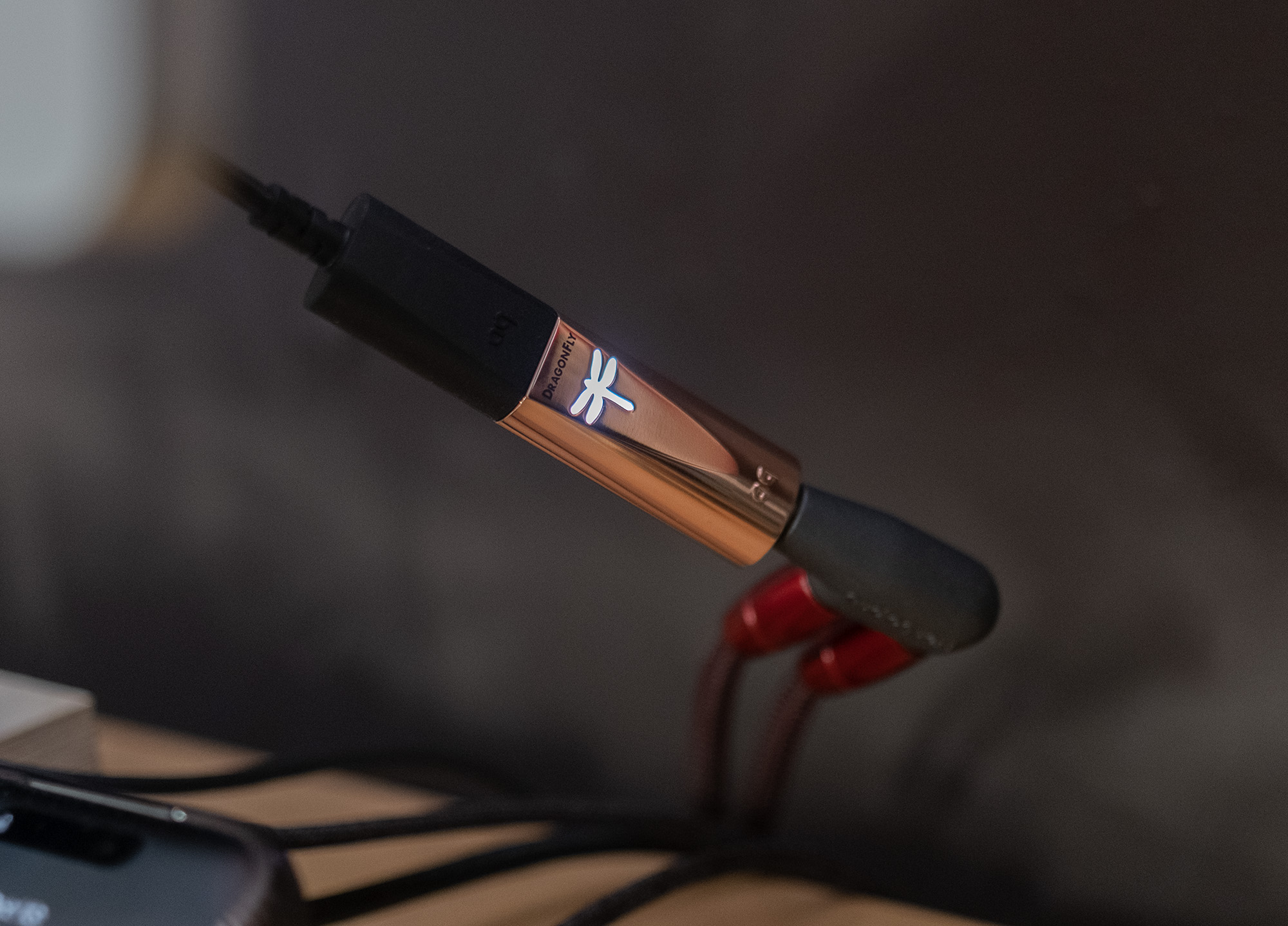
The DragonFly Copper will play music files up to 24-bit/96kHz resolution. Why this limit?
Here’s Gordon from the same Q&A:
Just because you can do something, doesn’t mean you should. What happens when a USB DAC is processing 32/384 frames? Usually, the result is barely breaking 16/44.1 specifications. The current draw, the signal-to-noise ratio, the processing, the heat… it’s all throwing everything into the toilet.
For my music and listening habits, 24/96 is more than fine as the majority of the music I listen to comes in yer basic 16/44 with some 24/48 and even less 24/96 thrown into the mix. Rarely if ever do I encounter 24/192 files and never ever do I see higher resolution PCM or DSD. But that’s just me. Odds are your music playback software can handle the conversion of higher PCM resolutions before sending the music on to the DragonFly Copper and if you use Roon for music playback, I do, it takes care of this conversion when necessary. Just make sure you enable “Exclusive mode” in Roon under Settings > Audio > Device setup. AQ recommends “files should be played at a rate mathematically related to their native resolution. For instance, a 192kHz file should be played at 96kHz (i.e., 2 x 96000.0 = 192000.0).”
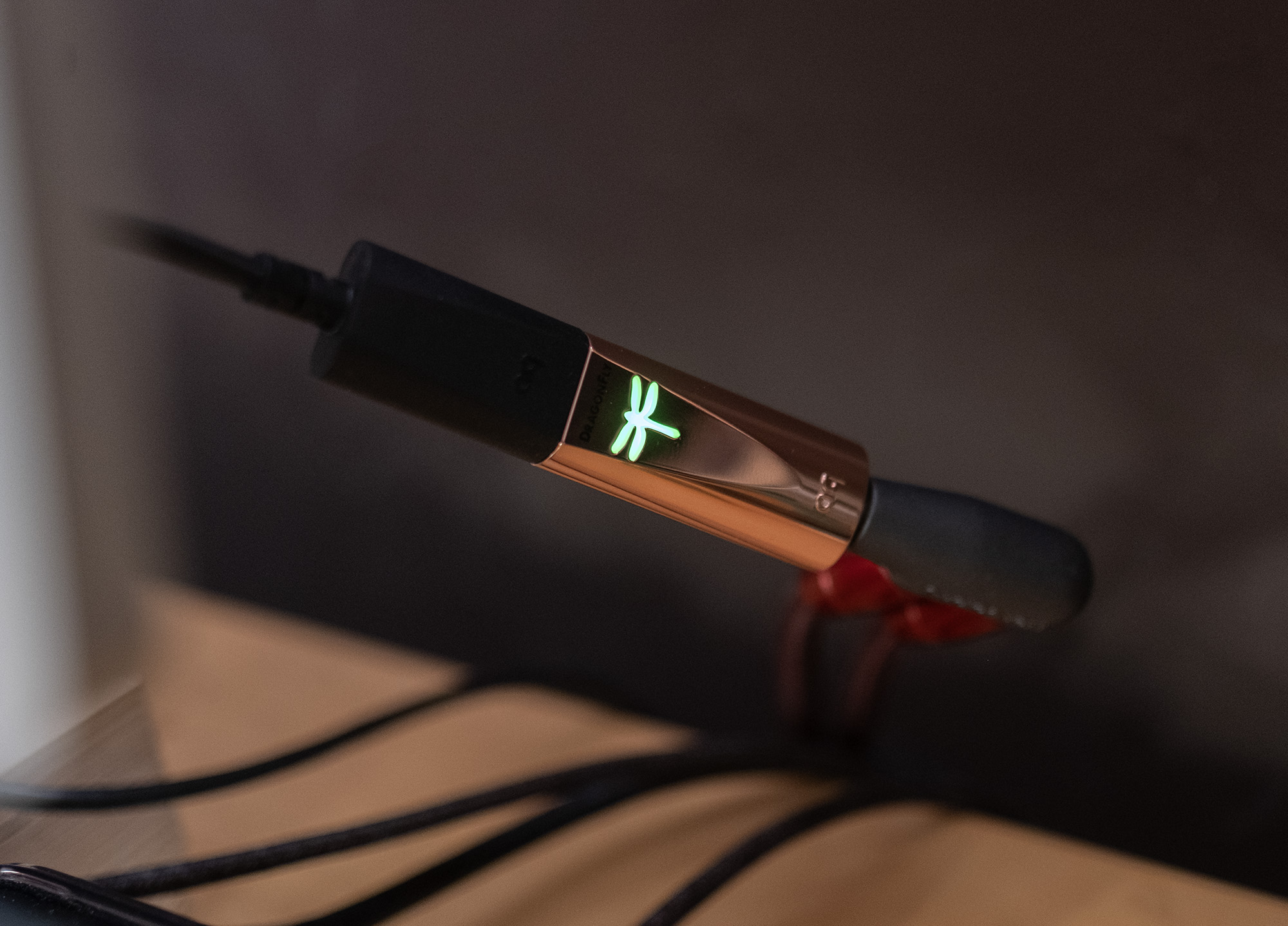
The backlit dragonfly on the DragonFly Copper lights up different colors according to the incoming sample rate as follows:
Red = Standby
Green = 44.1kHz
Blue = 48kHz
Yellow = 88.2kHz
Light Blue = 96kHz
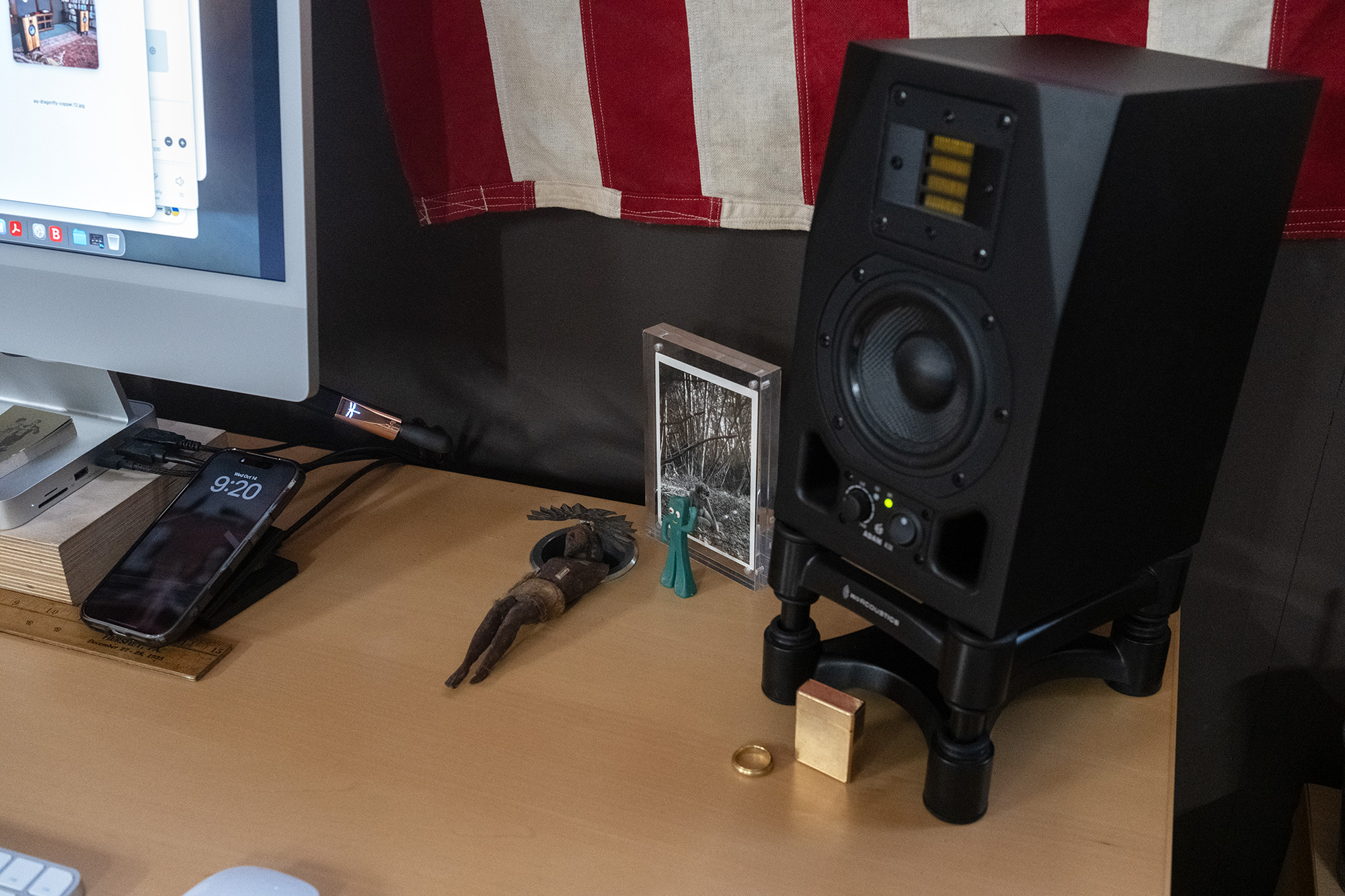
To complete my desktop playback setup, I use an AudioQuest 3.5mm male to dual RCA female adapter and a pair of AQ Red River interconnects to connect to the ADAMs. Of course many people use dongle DACs with headphones but I do not partake as I enjoy listening to music in space even at arm’s length.
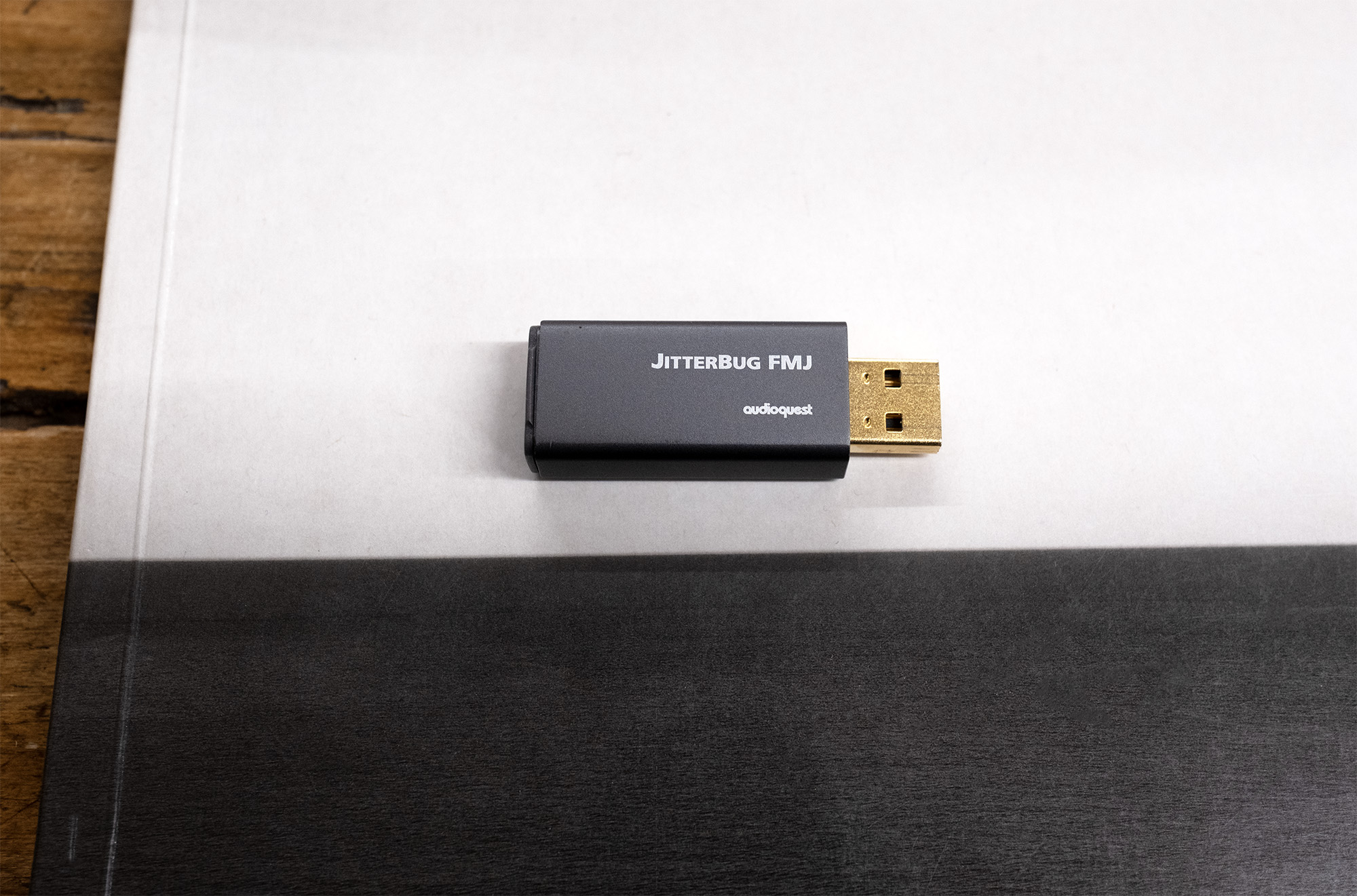
Before we get to listening let’s talk about the AudioQuest JitterBug FMJ USB 2.0 Data & Power Noise Filter. I still remember the dust the little JitterBug kicked up when it came out in 2015 about which I enthused in my review for AudioStream. Seeing as that site is no more, I’ll send you to John Atkinson’s review from that same year in Stereophile wherein JA wrote:
…earlier this year, Michael enthused over the AudioQuest JitterBug: “49 bucks buys you some of the soundest improvements I’ve heard for anywhere near the price.” He later wrote, “I’ve now heard the JitterBug do its thing . . . a number of times in different systems and I easily heard sonic improvements each time.” I have learned to trust Michael’s ears. Even so, I wasn’t expecting the degree of improvement the JitterBug wrought with the first recording I played, comparing the sound with and without the ‘Bugs, via my newly repaired Mac mini.
It’s amazing how so many people will spend so much time arguing about a piece of hifi kit without ever hearing it which was and remains the case with the JitterBug, DACs, amplifiers, speakers, cables, power products, racks, software, records and the things that play ‘em, resolutions, file formats, and so on ad infinitum. I prefer and choose to listen to music instead.
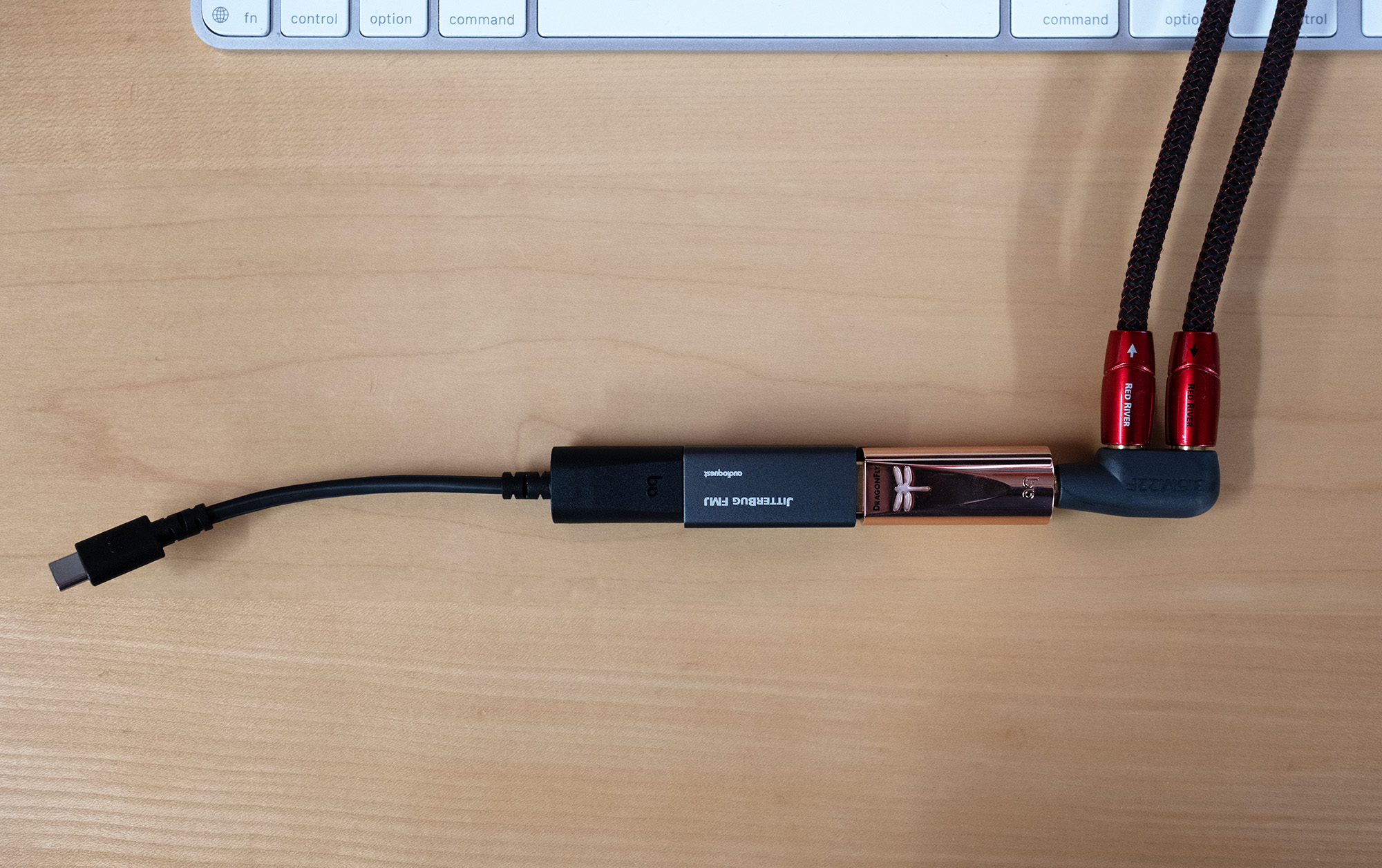
My desktop DAC, the DragonFly Cobalt, contains its own JitterBug filtering and I found that having two filters inline didn’t make things sound better so my JitterBug sat in a drawer. It’s OK—I made sure there was plenty of air circulation and they don’t eat much, just little bits as far as I can tell. But seeing as the DragonFly Copper did away with that internal filtering, out came the FMJ for some AB’ing.
Space Afrika’s latest, Quiet Storm is a full on feast for the ears, brain, and body with sonic riches soaring into…space. Huge billowy sound images flit and fury with seemingly endless voices and it’s exactly here, amid these riches, that the DragonFly Copper struts its stuff. Compared to the Cobalt, which I’ll remind you I’ve been using and enjoying for years in this very same spot on my desktop, Copper is clearly more resolving offering better separation between sonic elements while every piece of the puzzle feels a bit more fleshed out. Think of it like an image coming into better focus—clearer not edgier.
My digital journey has brought me to a very good place where increased resolution with the DragonFly Copper as well as the aforementioned Imersiv D-1 DAC convey more pertinent musical information bringing it and me closer together. It has been my experience that some DACs dial things in too sharply to the point where the sounds of music simply feel processed. Unnatural which is not the case with Copper.
Duwana’s Glass Lit Dream from 2021 sounds as if it escaped from Lee “Scratch” Perry’s Black Ark with much of the swampiness and subterranean bass of that place in tact. There’s also a slow burn R&B vibe throughout and from the first track “The Ape Prince” DragonFly Copper proved to be as interested in the deep bass throbs, funk, and groove as me. One of the things I love about the ADAM A3X and their X-ART (eXtended Accelerating Ribbon Technology) tweeter is I can lean in to let the music feel as if it’s originating from inside my head and in this super intimate setting the Copper’s clarity and control made this music feel like a rebellious automaton ticking away with crackly precision tickling my brain.
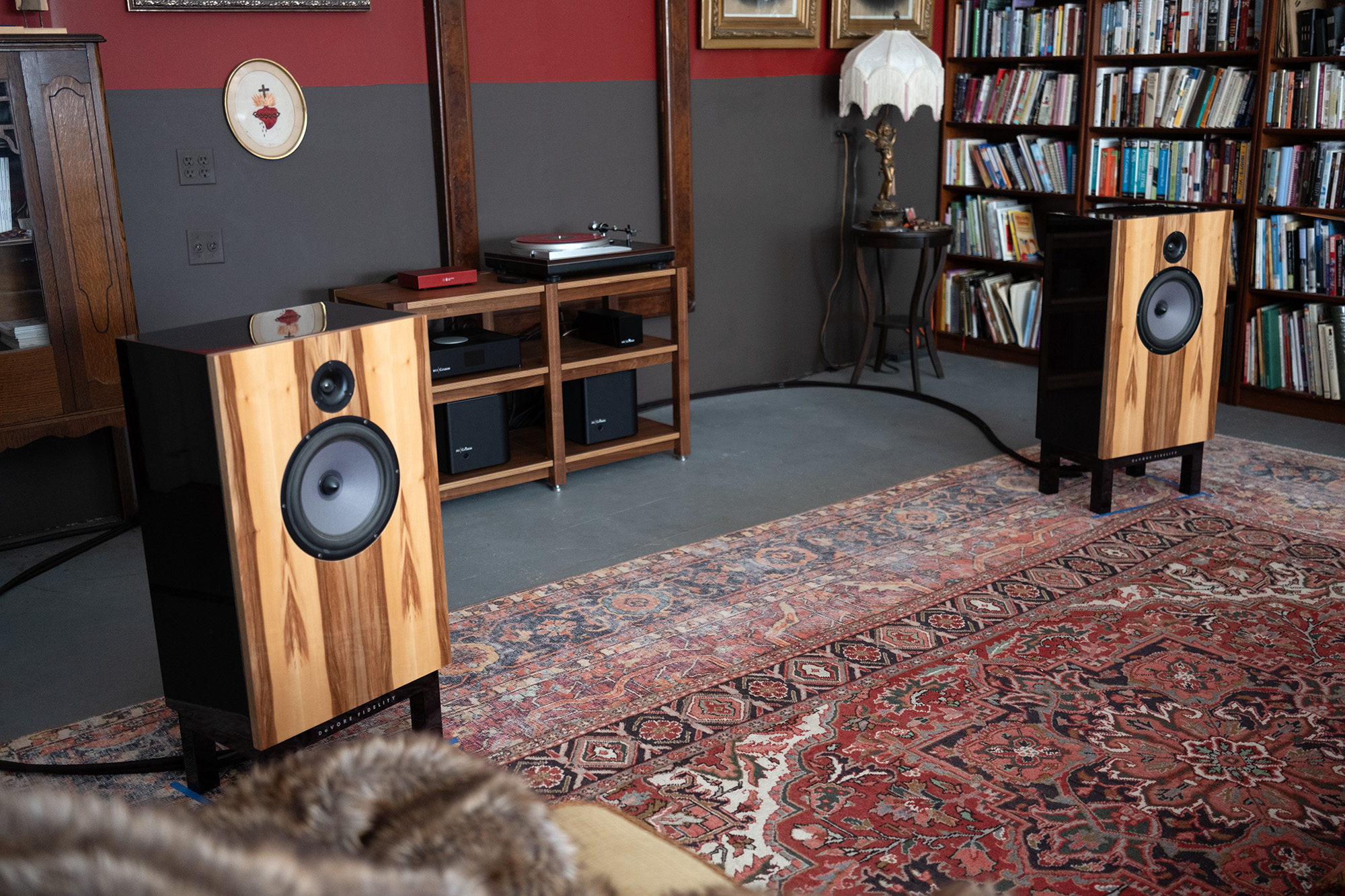
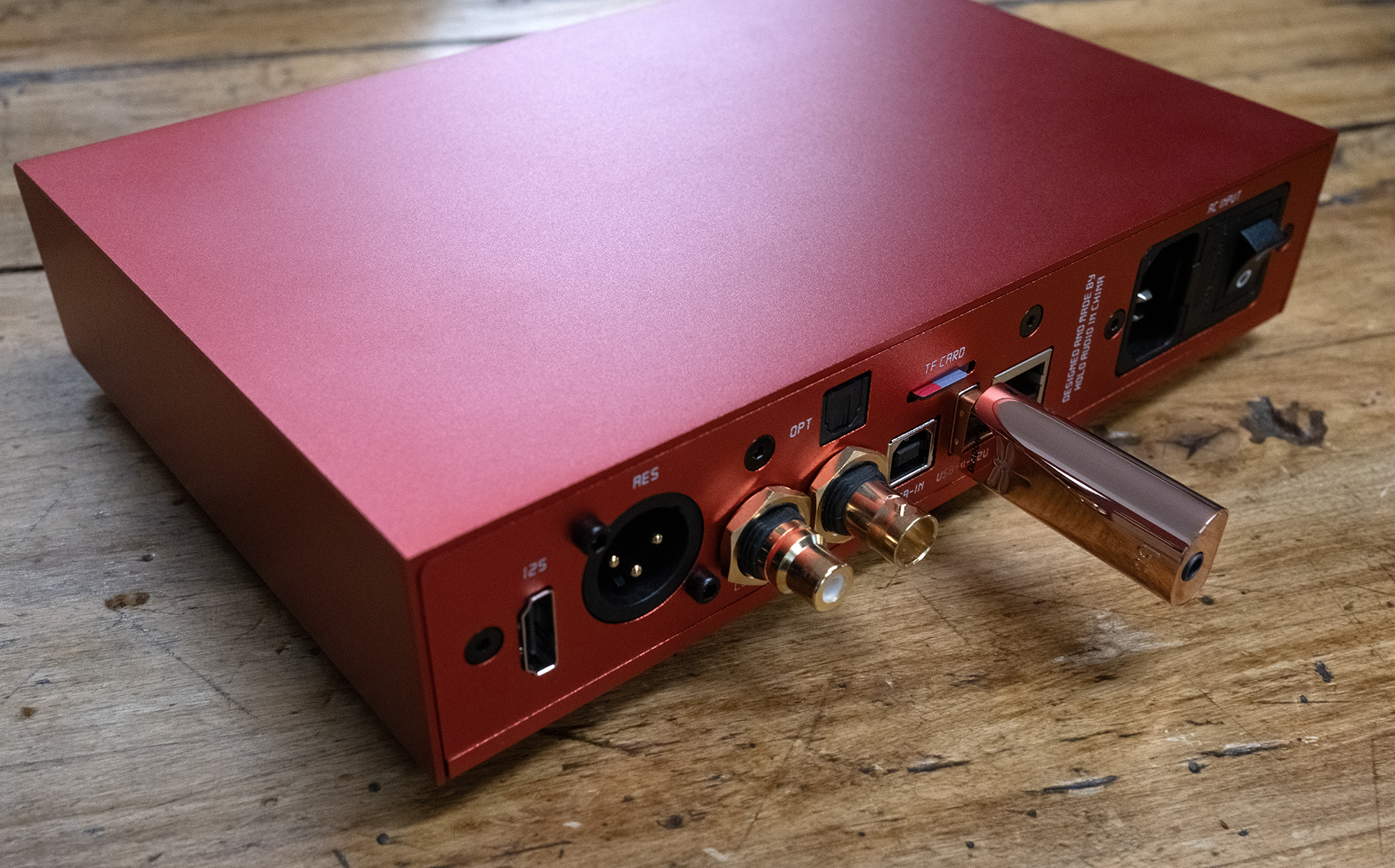
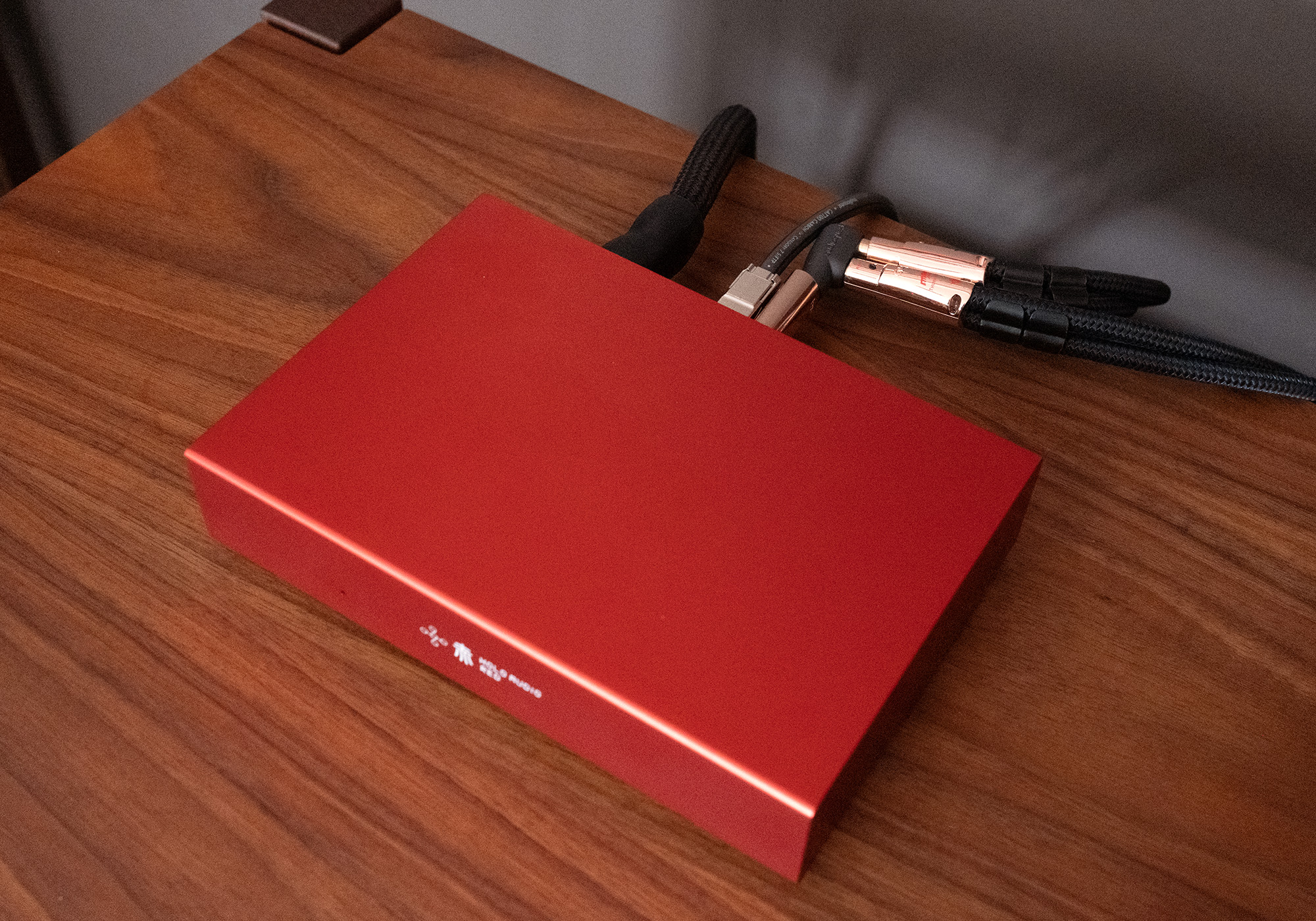
For kicks I also let the little DragonFly Copper play in the system on the Barn’s B-Side that found it plugged into the HoloAudio Red DDC & Network Streamer’s (review) USB Audio Out while the post D to A signal fed the Grimm Audio PA1 mono blocks (more info) driving the Barn resident DeVore Fidelity O/96 (review). In case you’re wondering, that’s roughly $46k worth of gear plus cables which are also from AudioQuest. As I said, for kicks.
I ran through a number of favorite test tracks including the ever heavenly ANOHNI on vocals with Bryce Dressner and cover of Dylan’s “I Was Young When I Left Home” from the 2009 charity compilation album Dark Was the Night produced by the Red Hot Organization. Hold on! This sounded just lovely. Maybe those naysayers are right! Maybe all digital sounds more or less the same with only tiny and unimportant degrees of separation between them so spending more than Copper’s $250 asking price is throwing bad money after good.
That sure makes for a good story but it’s a work of fiction as most fairy tales are. Sure, the DragonFly Copper made sweet music in this much more expensive system context but over time with more music it became clear what was missing as compared to much more costly digital gear. Namely the Copper felt comparatively light weight in this admittedly silly system context, offering up a very well defined and spacious sound image that nonetheless lacked the impact, both physically and emotionally, of the $20k Grimm MU2 that it replaced. Shocking!
It’s also worth noting that this system–Grimm/DeVore—is exceedingly revealing and capable of wondrous sonic riches so not the best place to put a $250 DAC. The important takeaway as far as I’m concerned is the DragonFly Copper’s many strengths shone through and I was certainly able to sit back and enjoy all of the music I sent its way.
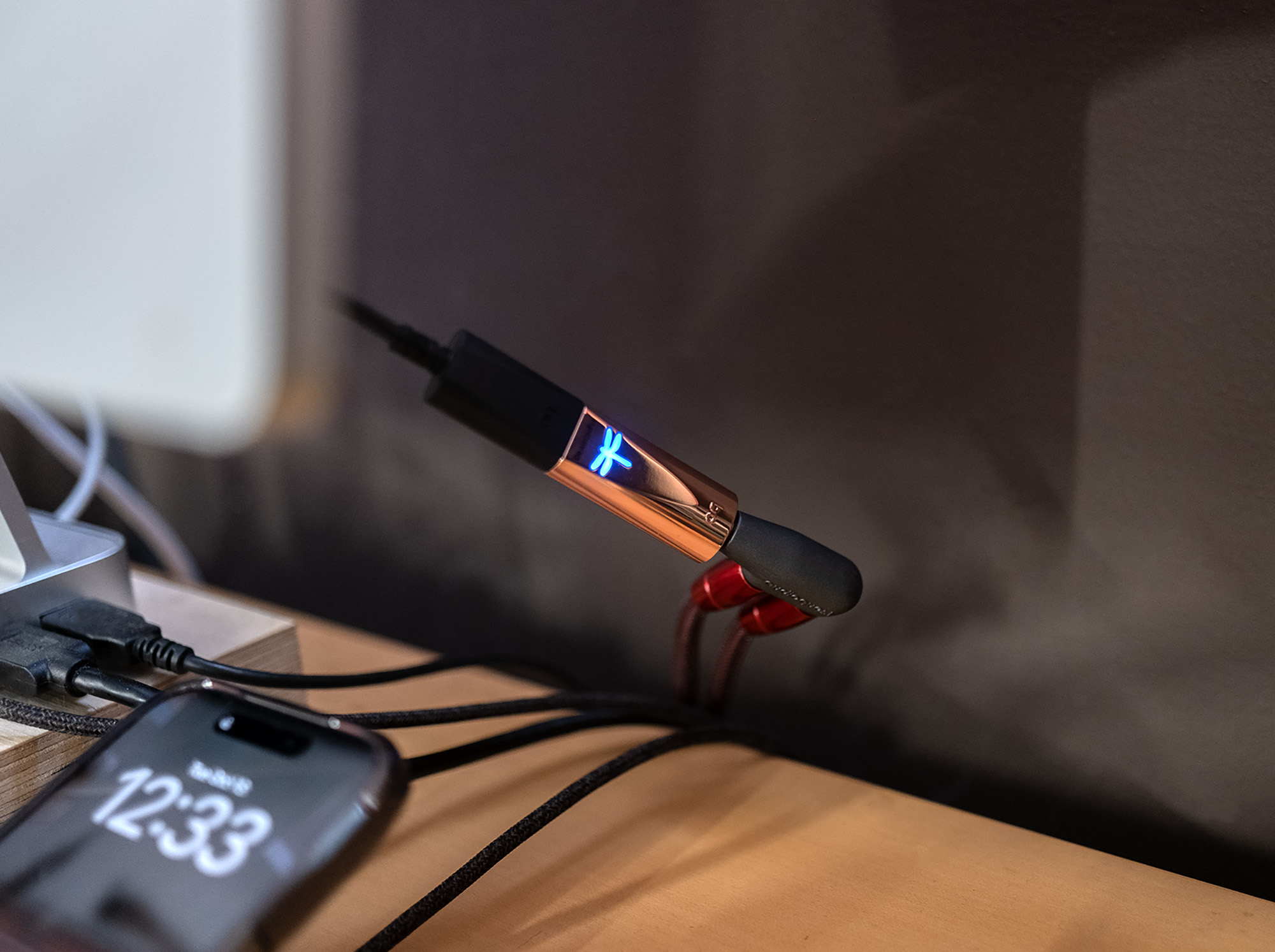
Getting back to a better fit, I use my desktop setup to explore. To find music that’s new to me by reading music reviews from places like The Quietus, Boomkat, Pitchfork, and others in addition to the alerts I receive about new releases via email and Roon Radio. As you might imagine, this is a very important part of my life in general, not just the reviewer part, so the quality of reproduction matters here as much as it does in the room-filling systems on the Barn’s two sides. Did I mention the ADAM A3X were designed as studio monitors?
One of the albums that came my way during the Copper’s stay was Sidelong by Ui, a band and album that were new to me even though the album was released in 1996. Ui is Clem Waldmann, Sasha Frere-Jones, and Wilbo Wright and Sidelong is a super tasty percussive treat with slinky dangerous bass performed with math rock precision. This music brought out the DragonFly Copper’s superb speed and dexterity that more than kept pace. When I say more than kept pace I’m talking about hearing a sense of ease and naturalness even with gnarly layered complex music. Or if you prefer, when the little Copper DAC was fed some Show Me the Body or early Einstürzende Neubauten, it seemed to respond, “Is that all you got?”
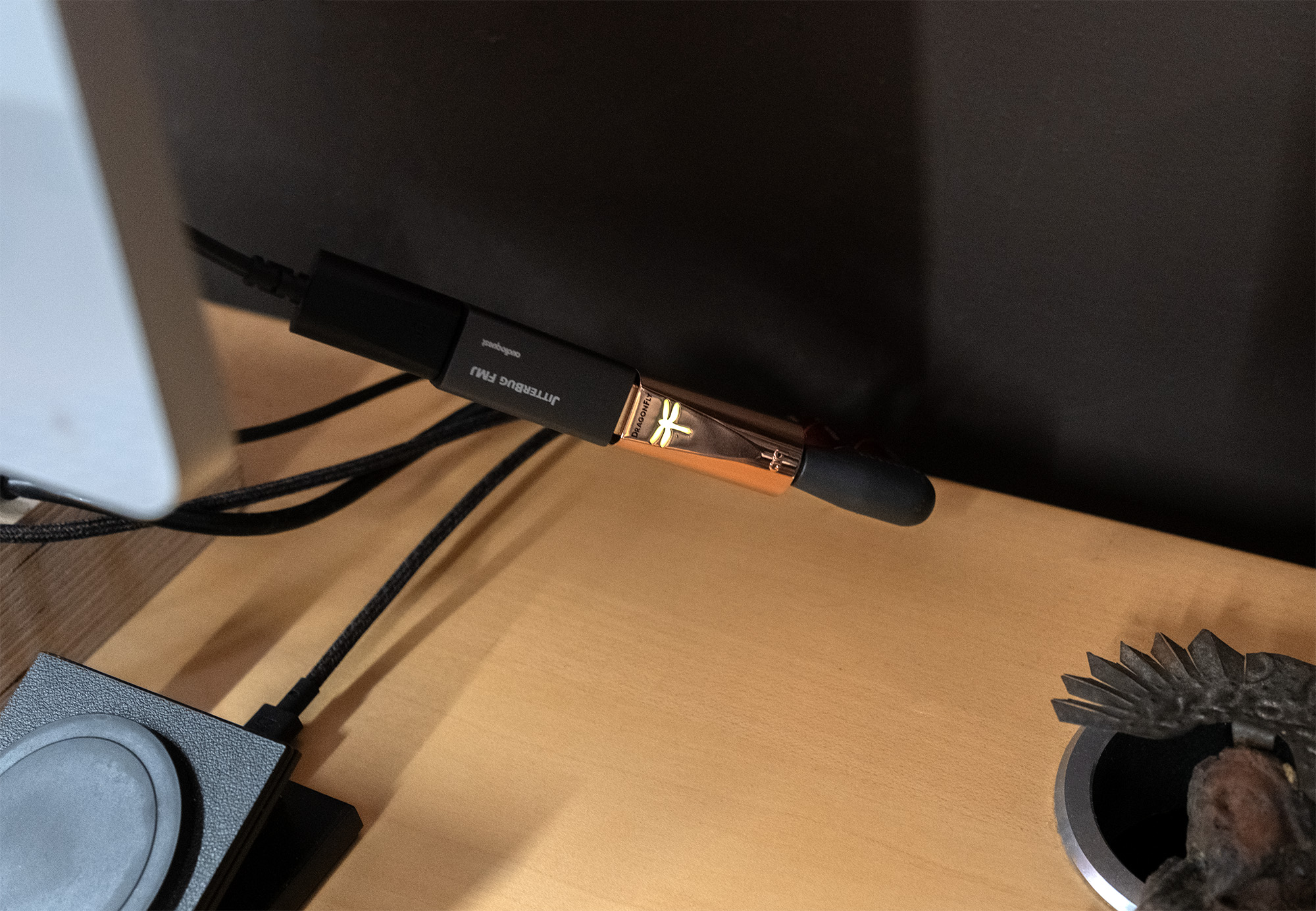
What about the AudioQuest JitterBug FMJ USB 2.0 Data & Power Noise Filter? Using this same Ui album, inserting the JitterBug inline brought with it even greater clarity as if I was hearing more of the recording more fully realized. I also ran through some other albums and tracks including Waxahatchee’s EP Great Thunder from 2018 that finds Katie Crutchfield’s vocals the focus, reworking some songs with pared down accompaniment. A brilliant idea as far as I’m concerned as I find her voice more than well worth my full attention.
Working in reverse order, removing the Jitterbug from the Katie Crutchfield equation caused an ever so slight blurring as if the crisp parts like transients were a bit less crisp, a little softer overall and less distinct. A subtle change for sure but my experience says even subtle improvement can return big rewards over time.
You can buy a JitterBug for $69.95 and if you find it makes your music sound $70 better, keep it. If not, send it back. The thing about noise and DACs is it all comes down to the specifics of the setup and environment—the more noise, the greater the impact a filter can have.
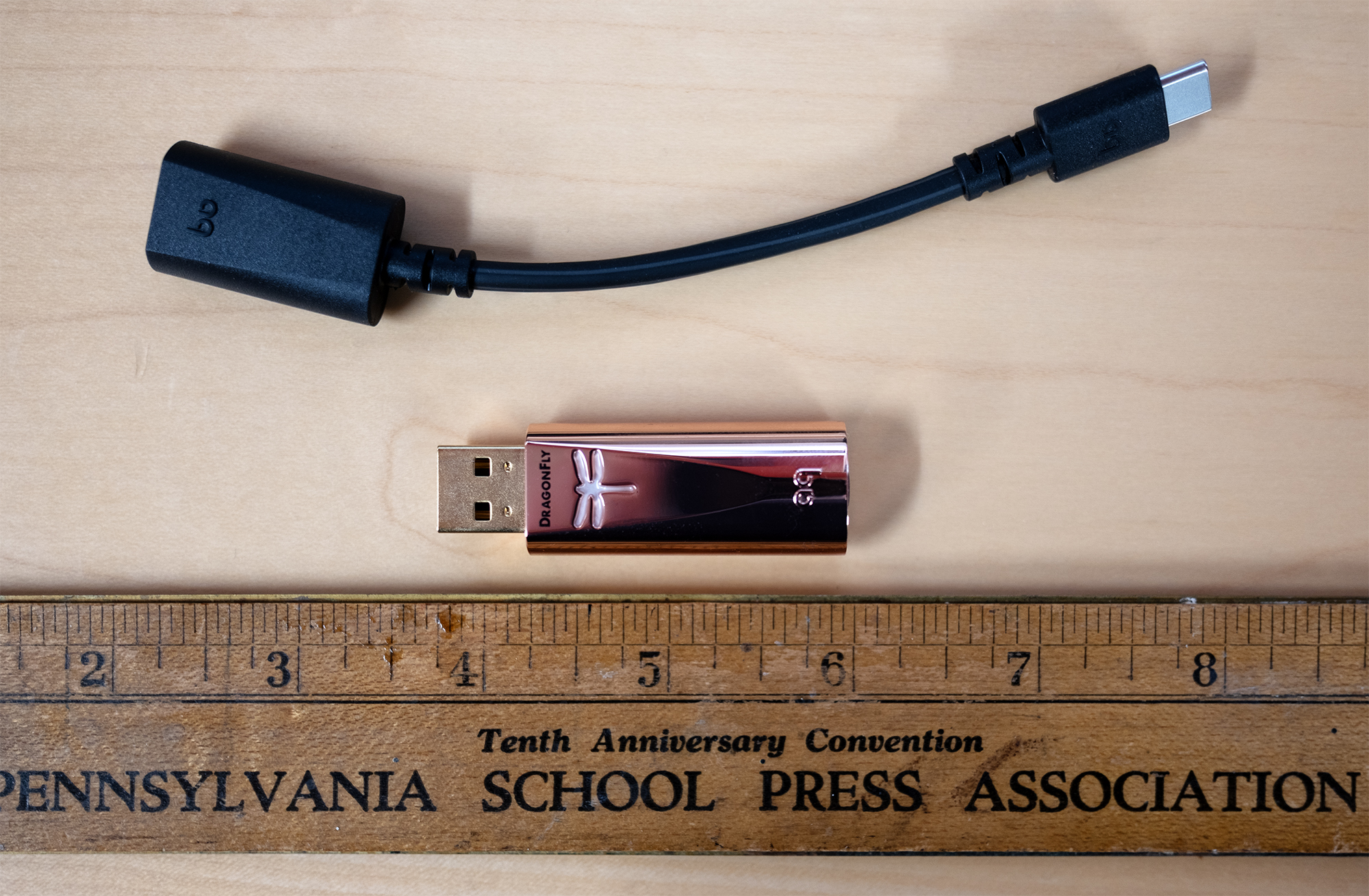
With Copper, AudioQuest has built a better DragonFly. Of course the most obvious use-case scenario would find Copper driving headphones and I’m sure there will be, or already are, plenty of reviews for that scenario.
Here in the Barn my desktop system is a critical tool for music discovery and enjoyment and after more than 20 years of reviewing, I’ve become picky. Picky about the tools I use and I’ll admit that it only took a handful of familiar tracks played through the ADAM A3X for the DragonFly Copper to make me smile. A smile caused by better. Considering its $250 asking price and performance, the AudioQuest DragonFly Copper is a genuine screamin’ HiFi bargain.

AudioQuest DragonFly Copper USB DAC
Price: $250
Manufacturers Website: AudioQuest